
Microsoft is continuing its push toward streamlined, cloud-first collaboration by retiring two legacy OneDrive group policies: EnableHoldTheFile and EnableAllOcsiClients. These changes, set to begin rollout in early May 2025, affect all Microsoft 365 tenants including Worldwide, GCC, GCC High, and DoD environments.
Here’s what you need to know to stay ahead of the change and prepare your users.
🔧 Part 1: Retirement of EnableHoldTheFile GPO
Roadmap ID: 429875
Rollout Window: Early May 2025 – Late May 2025
(Previously scheduled for April)
🧠 What This Policy Did
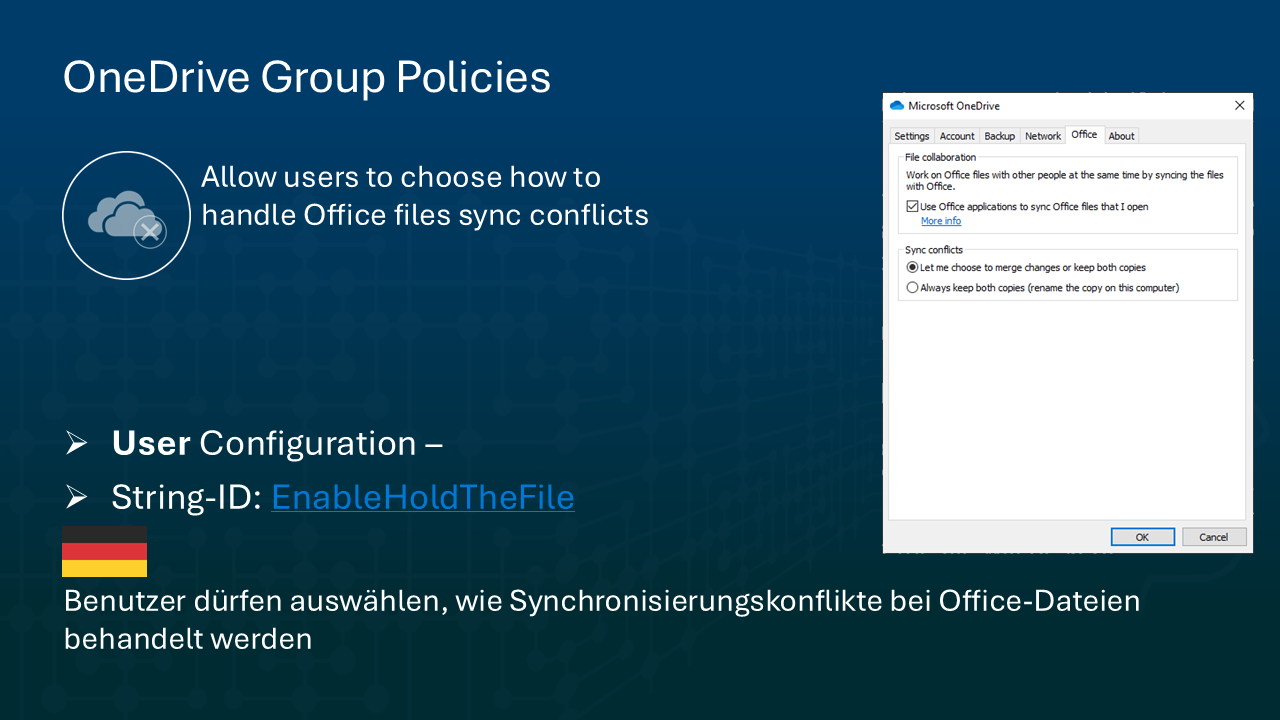
EnableHoldTheFile controlled how Microsoft OneDrive handled Office file sync conflicts. When disabled, OneDrive would automatically create a copy of any file with sync conflicts, potentially resulting in dozens—or hundreds—of duplicate files.
🚀 What’s Changing
This GPO is being removed entirely. The conflict resolution experience it controlled will become the new standard for all tenants.
- When a conflict occurs in Word, Excel, or PowerPoint, users will now:
- Be prompted to choose which file version to keep.
- See a banner offering to Save a Copy or Discard Changes if a merge isn’t possible.
🎯 Impact on Your Organization
- All tenants will move to a user-guided conflict resolution model.
- No more silent duplication—users take control.
- If you previously disabled this policy, your users may notice the change in how conflicts are handled.
✅ What You Should Do
- No admin action is required, but:
- Review your GPO settings.
- Notify users of the new behavior.
- Update your internal documentation and training materials.
📘 Learn more about this behavior here
🔧 Part 2: Retirement of EnableAllOcsiClients GPO
Roadmap ID: 429874
Rollout Window: Early May 2025
(Previously scheduled for April)
🧠 What This Policy Did
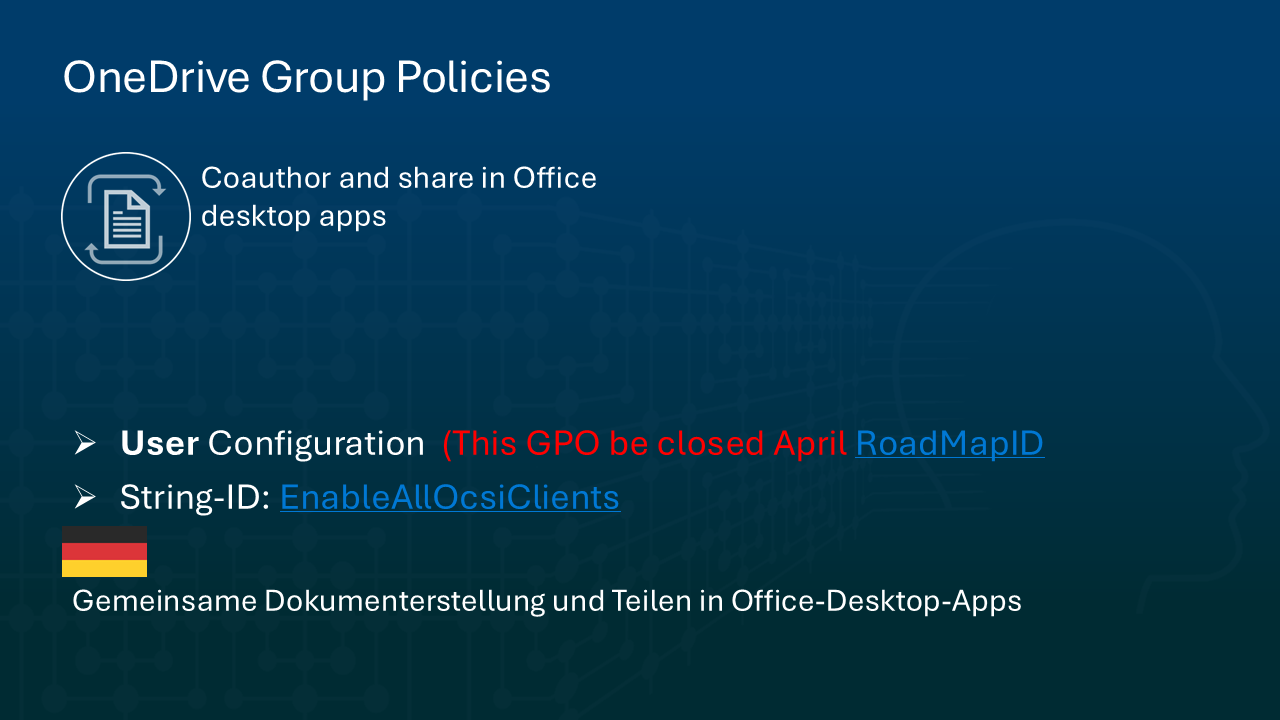
EnableAllOcsiClients controlled the Office Client Synchronization Integration (OCSI)—a critical feature that powers:
- Autosave
- Real-time co-authoring
- Version history
- Automatic conflict merging
When this GPO was disabled, these features were either broken or unavailable.
🚀 What’s Changing
Microsoft is removing this policy, making OCSI enabled by default for all tenants.
⚡ Benefits for End Users
With this update, Office and OneDrive will now:
- Seamlessly auto-save documents in Word, Excel, and PowerPoint.
- Support real-time multi-user collaboration.
- Show detailed version histories and allow file recovery.
- Automatically merge file conflicts when possible—and prompt users only when necessary.
🎯 Impact on Your Organization
- If your organization disabled OCSI, these collaborative features will now
activate automatically. - Users will enjoy a richer, modern document experience, but may need onboarding if they’re not used to autosave or live collaboration.
✅ What You Should Do
- Again, no admin action required, but:
- Communicate this to users.
- Update support and training content, especially around Autosave and file recovery.
📘 For more details, visit
🧭 Summary: What This Means for IT Admins
| Policy | Status | Key Features Affected | Admin Action Required |
|---|---|---|---|
EnableHoldTheFile | Removed | File conflict handling | Communicate change |
EnableAllOcsiClients | Removed | Autosave, Co-authoring, Versioning | Communicate change |
These changes signal Microsoft’s continued investment in making OneDrive and Office apps smarter, more connected, and user-friendly by default.
💬 Final Thoughts
This rollout reduces reliance on legacy GPOs and provides a consistent, intuitive experience across Office and OneDrive. Whether you’re a small business or managing an enterprise-scale deployment, this is a good moment to:
- Audit your current sync policies
- Educate users on what to expect
- Update documentation to reflect the new defaults
Need help communicating these changes to your org? I can help you create internal briefing notes, training slides, or policy documentation. Just say the word.
Personal Note:
In the early Co-Authoring times, we often have found forked files. But times flow, and Microsoft has done a lot, so its ok, to use the built-In automatik and make theses two Group Policies absolete.
Entdecke mehr von Hans Brender's Blog
Melde dich für ein Abonnement an, um die neuesten Beiträge per E-Mail zu erhalten.

 Hans Brender's Blog
Ein Gedanke zu “OneDrive Policy Update: Microsoft Retires EnableHoldTheFile and EnableAllOcsiClients GPOs”