
t’s now been over thirteen months since I submitted an Excel sheet to the Microsoft OneDrive product group. That document detailed eighteen discrepancies across fifty-three group policies. Since then, some issues have been resolved, some policies removed. The total has dropped to forty-nine, but nine inconsistencies remain – untouched and still affecting administrators worldwide.
With each update to the OneDrive Sync Client, Microsoft ships new or modified group policies. The following analysis is based on version 25.084.0501.0001 of the client.
Below is a detailed breakdown of these problematic group policies – including misnamed IDs, incorrect registry paths, and poorly maintained documentation.
Overview of Inconsistent Group Policies
1. AutoMountTeamSites
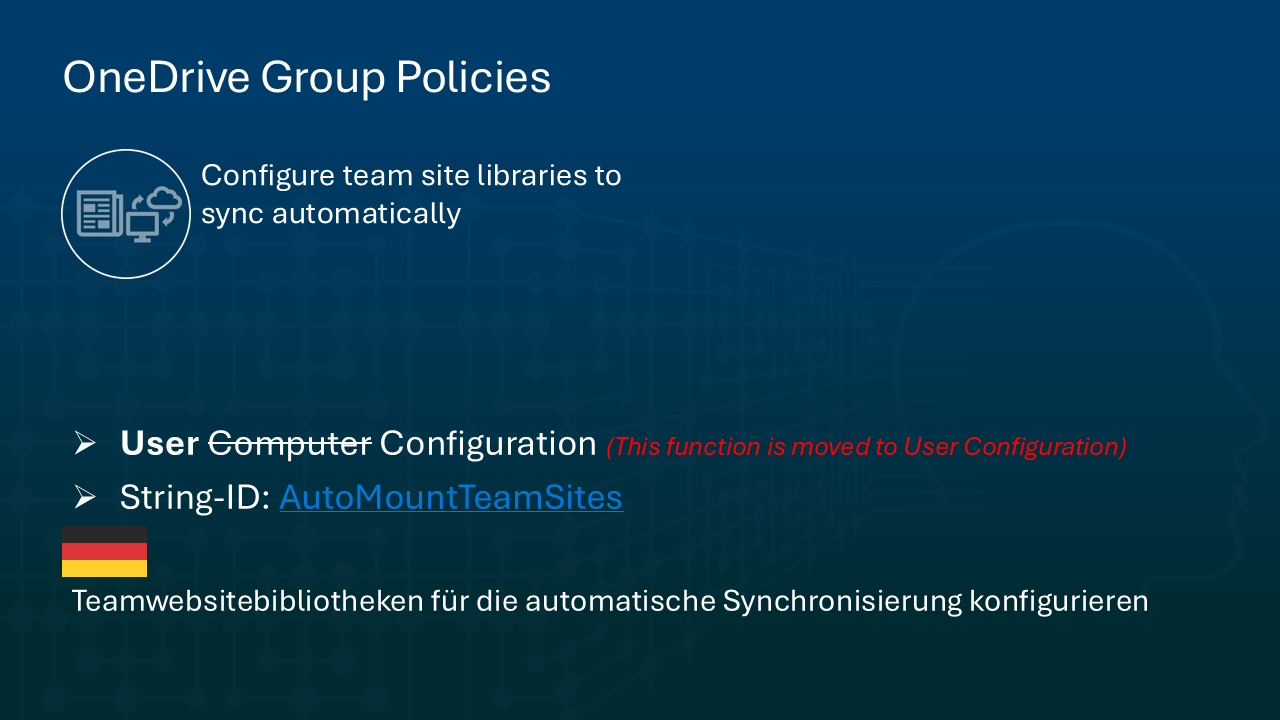
- Official name: Configure team site libraries to sync automatically
- Error: Microsoft uses the wrong String_ID:
TenantAutoMountinstead of the correctAutoMountTeamSites. - Context: Initially part of Computer Configuration, this policy was later moved to the User Configuration area – but the identifier error remains uncorrected.
2. DisableAutoConfig
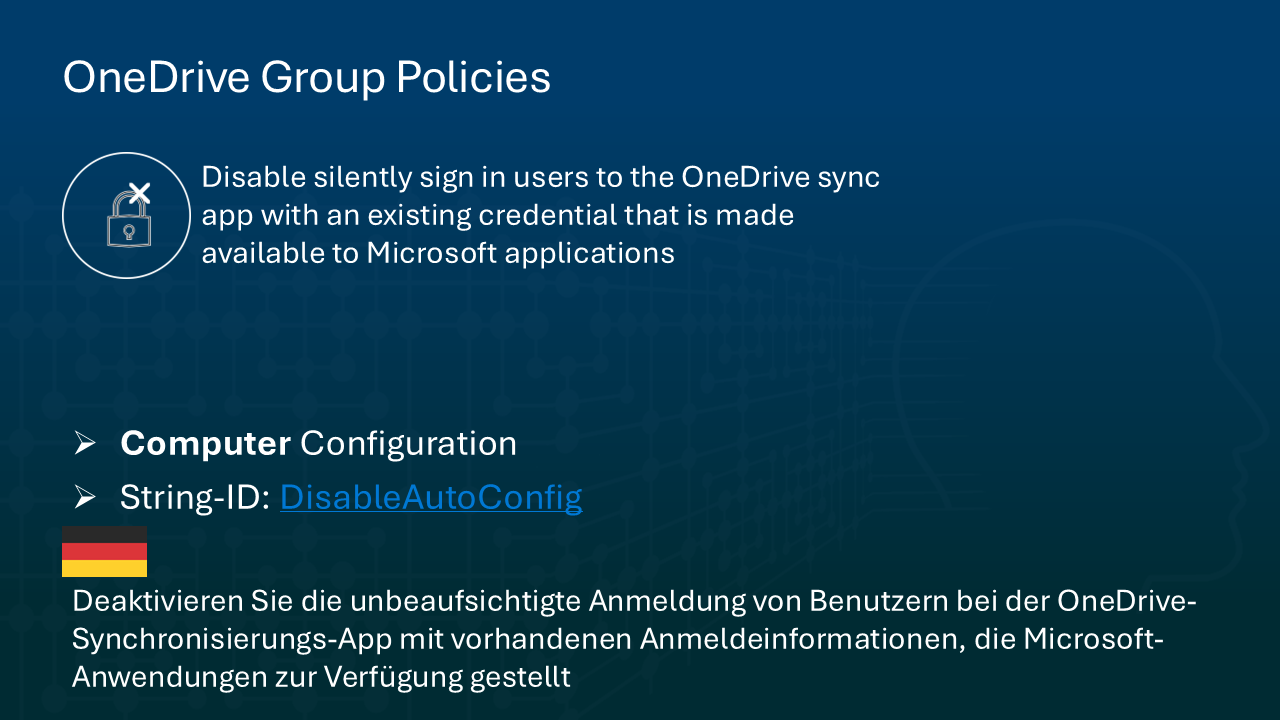
- Official name: Disable silently sign in users to the OneDrive sync app with an existing credential that is made available to Microsoft applications
- Error: Microsoft invented a shortened version: Prevent authentication from automatically happening.
- Impact: The real policy becomes unsearchable by name, confusing administrators who rely on consistency.
3. DisableFREAnimation
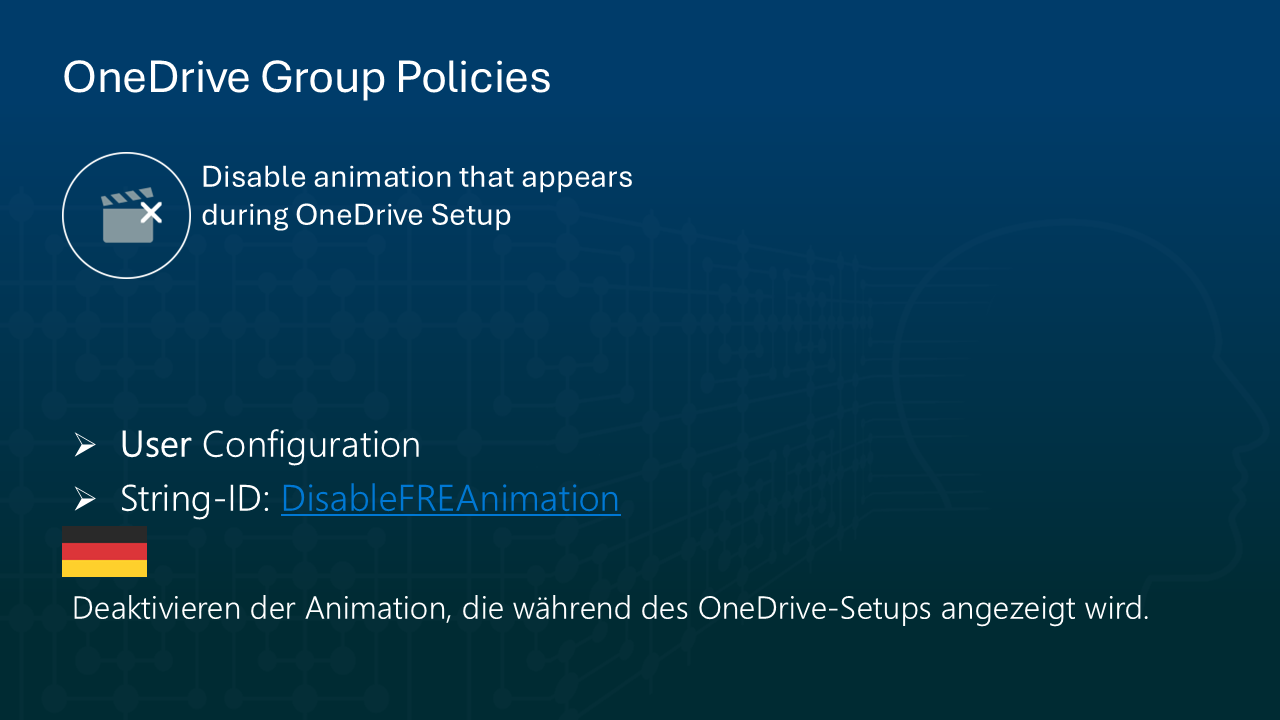
- Official name: Disable animation that appears during OneDrive Setup
- Error: Microsoft documentation wrongly lists the registry path as:
- ❌
HKLM\... - ✅ It should be:
HKCU\...
- ❌
- Why this matters: This is a user policy, not a computer policy – a basic classification mistake.
4. DisableNewAccountDetection

- Official name: Disable a toast and activity center message to encourage a user to sign in OneDrive using an existing credential that is made available to Microsoft applications
- Error: Microsoft published the misleading label: Hide the messages to sync Consumer OneDrive files.
- Problem: The altered name is artificial and makes the policy nearly impossible to locate via keyword search.
5. EnableAutoStart

- Official name: Start OneDrive automatically when signing in to Windows
- Error: Microsoft refers to this in the documentation as Always start OneDrive automatically when signing in to Windows.
- Issue: Another fabricated name – not keyword-aligned with the actual policy.
6. EnableFeedbackAndSupport

- Official name: Allow users to contact Microsoft for feedback and support
- Error 1: Only the en-us version uses the correct name. All other localized versions show inconsistent or incorrect descriptions. (Microsoft)
- Error 2: In the Local Group Policy Editor, this setting is not sorted correctly when policies are viewed alphabetically.
- Root cause: The
admlfile contains a leading space in the name:" Allow users..."– present across all languages.
7. EnableHoldTheFile
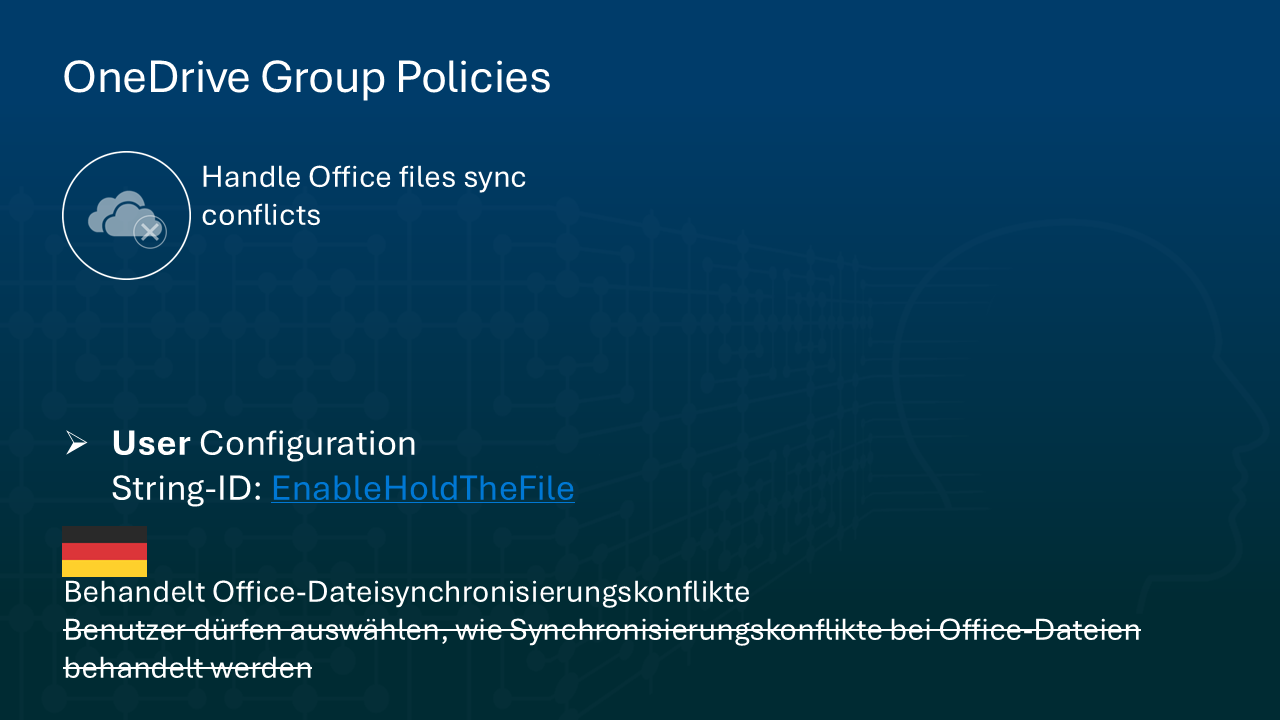
- Current name: Handles Office file sync conflicts
- Error: Microsoft still refers to the outdated name: Allow users to choose how to handle Office file sync conflicts.
- Consequence: Mismatched documentation for a renamed policy.
8. IgnoreWebProxy

- Official name: Cause sync client to ignore normal web proxy detection logic
- Error: This group policy is not documented in the official OneDrive policy documentation, despite being available in Local Group Policy Editor under Computer Configuration.
- Details:
- ✅ Enabled → Sync client bypasses proxy detection and attempts direct connections
- ❌ Disabled/Not configured → Sync client uses standard proxy detection logic
- Note: Lack of documentation leaves administrators guessing.
This setting controls whether the OneDrive sync client does its default web proxy detection logic or not.
If you enable this setting, the sync client will not do its normal web proxy detection and will attempt direct connections to the internet web endpoints it needs to communicate with. This is equivalent of having no web proxy settings configured and no automatic proxy script.
If you disable or do not configure this setting, the sync client will detect if a web proxy is configured on your network and use it if so. More Information you will find here at Microsoft.
9. KFMForceWindowsDisplayLanguage
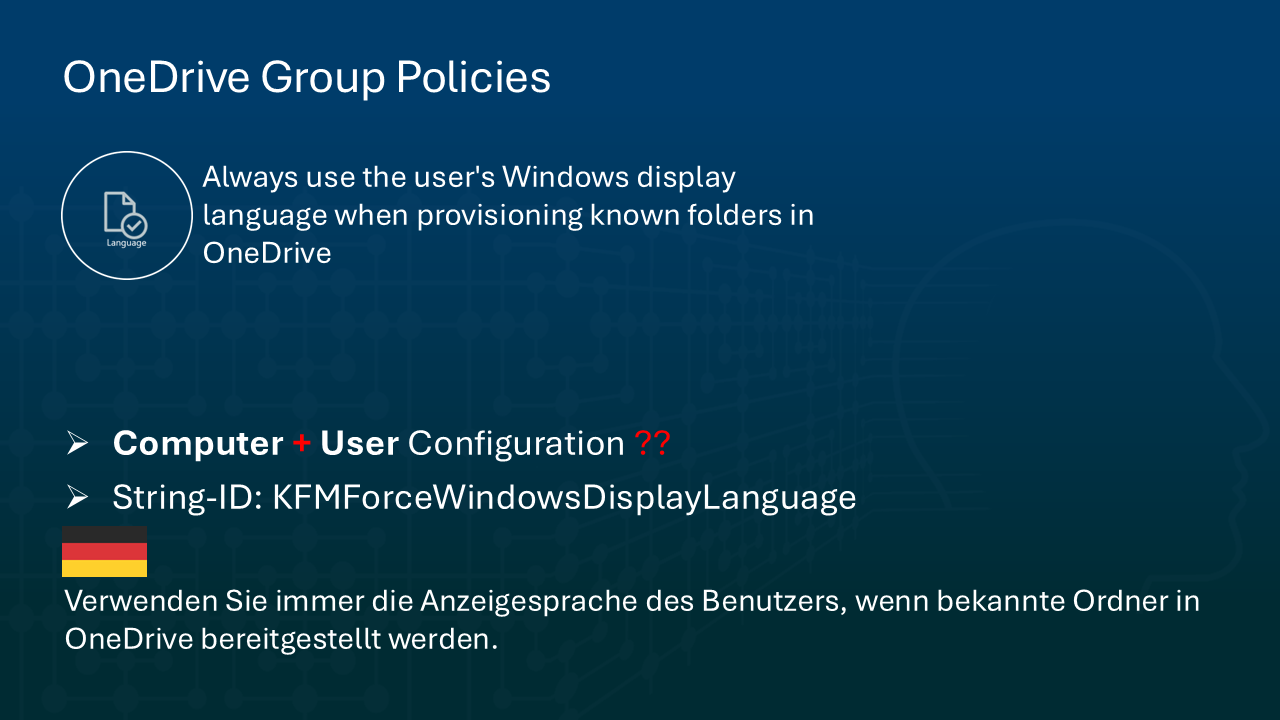
- Official name: Always use the user’s Windows display language when provisioning known folders in OneDrive
- Error: This policy is not documented among OneDrive policies but exists in both Computer and User Configuration in Local Group Policy.
- Explanation:
- This setting ensures that known folders (Documents, Desktop, Pictures, etc.) follow the Windows display language rather than a user-selected preferred language.
- It integrates with the Known Folder Move policies.
- If enabled, folder names follow the display language.
- If disabled or not configured, user preference takes priority.
Conclusion: Transparency Lost in Translation
The errors above aren’t cosmetic. They obstruct clarity, complicate automation, and erode trust in Microsoft’s ability to maintain critical configuration tools. Worse still, many of these issues have been reported over a year ago – and remain unresolved.
From wrong String_IDs to documentation that can’t be cross-referenced, Microsoft’s management of its OneDrive group policies shows a lack of consistency and quality assurance.
What needs to happen?
- A central, canonical reference that aligns all policy names, strings, and registry paths
- An official changelog for group policies across Sync Client updates
- A public feedback loop with visible tracking and response mechanisms
Until then, IT professionals are left to reverse-engineer Microsoft’s logic — and write articles like this one to make sense of the chaos.
Entdecke mehr von Hans Brender's Blog
Melde dich für ein Abonnement an, um die neuesten Beiträge per E-Mail zu erhalten.

 Hans Brender's Blog
Vielen Dank für Ihre Hilfe. Ich stimme Ihrer Schlussfolgerung zu.
(Many thanks for your help. I agree with your conclusion.
Entschuldigung for my limited Deutsch.)
LikeLike